Introduction
In the past week, I have explored mainstream AI browsers extensively.
OpenAI’s Atlas, Perplexity’s Comet, Browser Company’s Dia, and Edge Copilot are the most popular AI browsers on the market, each with its own highlights and pitfalls.
What does the future of browsers look like? These products provide completely different answers.
Two Camps
Simply put, there are two camps:

The progressive camp, represented by Chrome and Edge, adds AI features to traditional browsers. Google, holding the largest global market share, doesn’t need to start from scratch to accommodate the majority of user habits. AI is just an additional feature; the browser remains the same.
Similar to the overseas version of Chrome, Edge has also added an AI assistant button in the upper right corner, which opens a sidebar. However, Edge Copilot leans more towards voice interaction, which has some quirks with Chinese accents and doesn’t quite fit practical usage scenarios.
On the other hand, the radical camp, represented by ChatGPT Atlas, treats AI as the core of the browser, designing the entire browser around AI dialogue. In short, the browser itself is AI.

Currently, browsers are not just about answering “what is” and “why,” but also about helping you figure out “what to do.” For example, the agent modes supported by Atlas and Comet can execute tasks after you issue commands.
Conclusions
- ChatGPT Atlas: Highly recommended, strongest execution capabilities, can truly help you operate web pages and automate tasks, but currently has security vulnerabilities; suitable for ChatGPT paid users and those who really need AI assistance.
- Perplexity Comet: Comprehensive information aggregation but slow and mechanical execution with weak agent capabilities; suitable for users researching and writing reports.
- Dia: Fastest speed with a minimalist interface, but lacks detail in summaries and does not execute operations; suitable for early adopters seeking quick browsing (20 USD/month).
- Edge Copilot: Free with clear summary structure, but overly templated AI output and does not execute tasks; suitable for ordinary users who do not want to hassle or pay.
Which AI Browser is More Useful?
We tested these browsers with several tasks to assess their AI intelligence.
Summarizing Articles
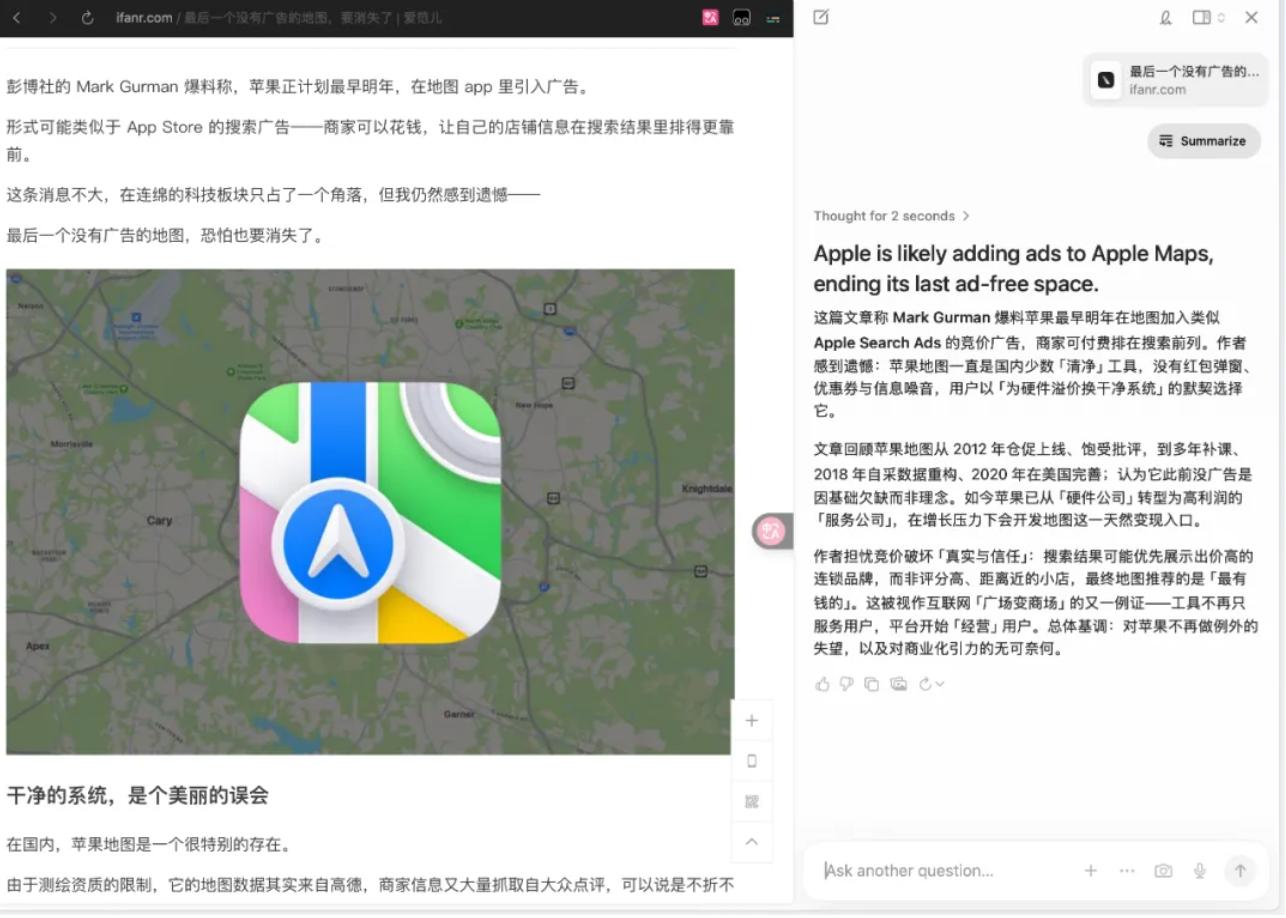
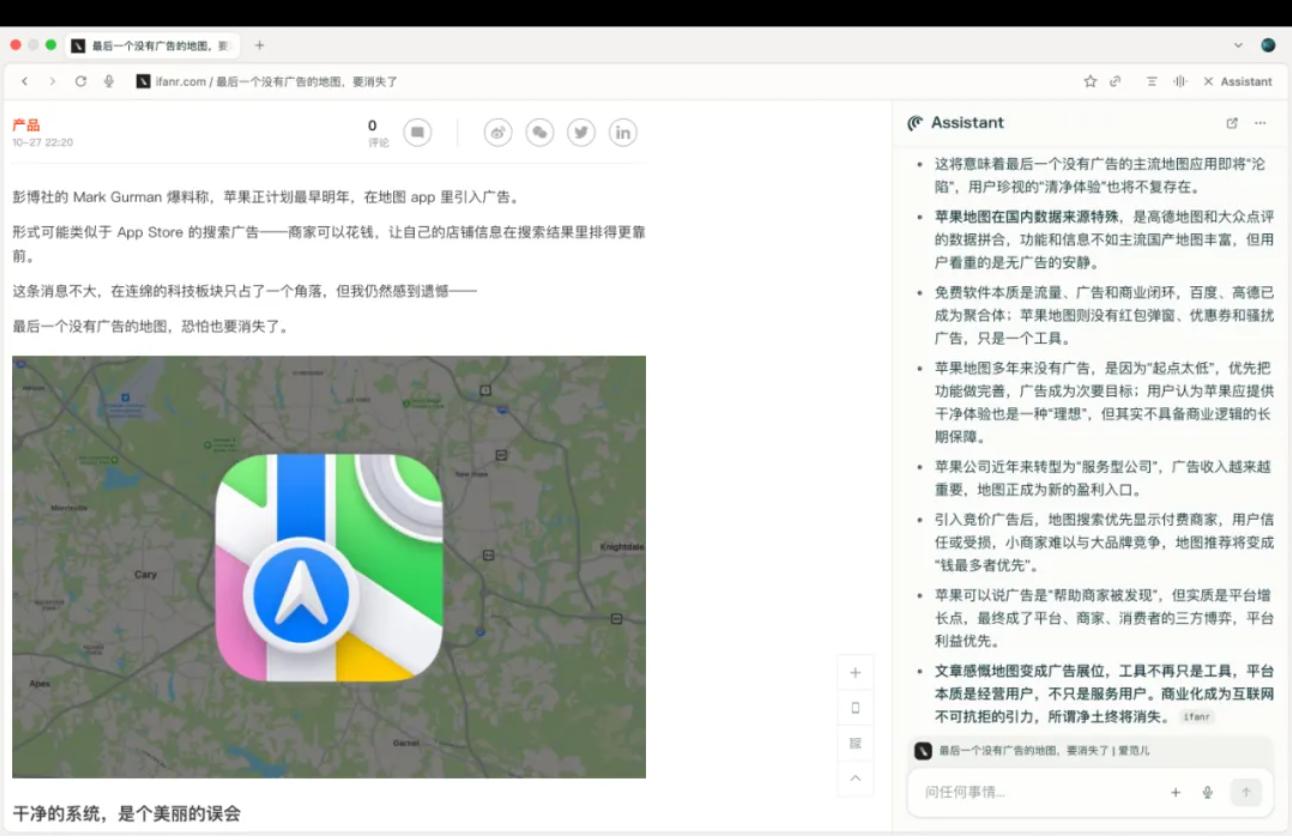
Dia is the fastest, providing results in seconds, suitable for quick browsing but lacking detail. Comet’s summaries are more solid, covering almost all key points of the article.
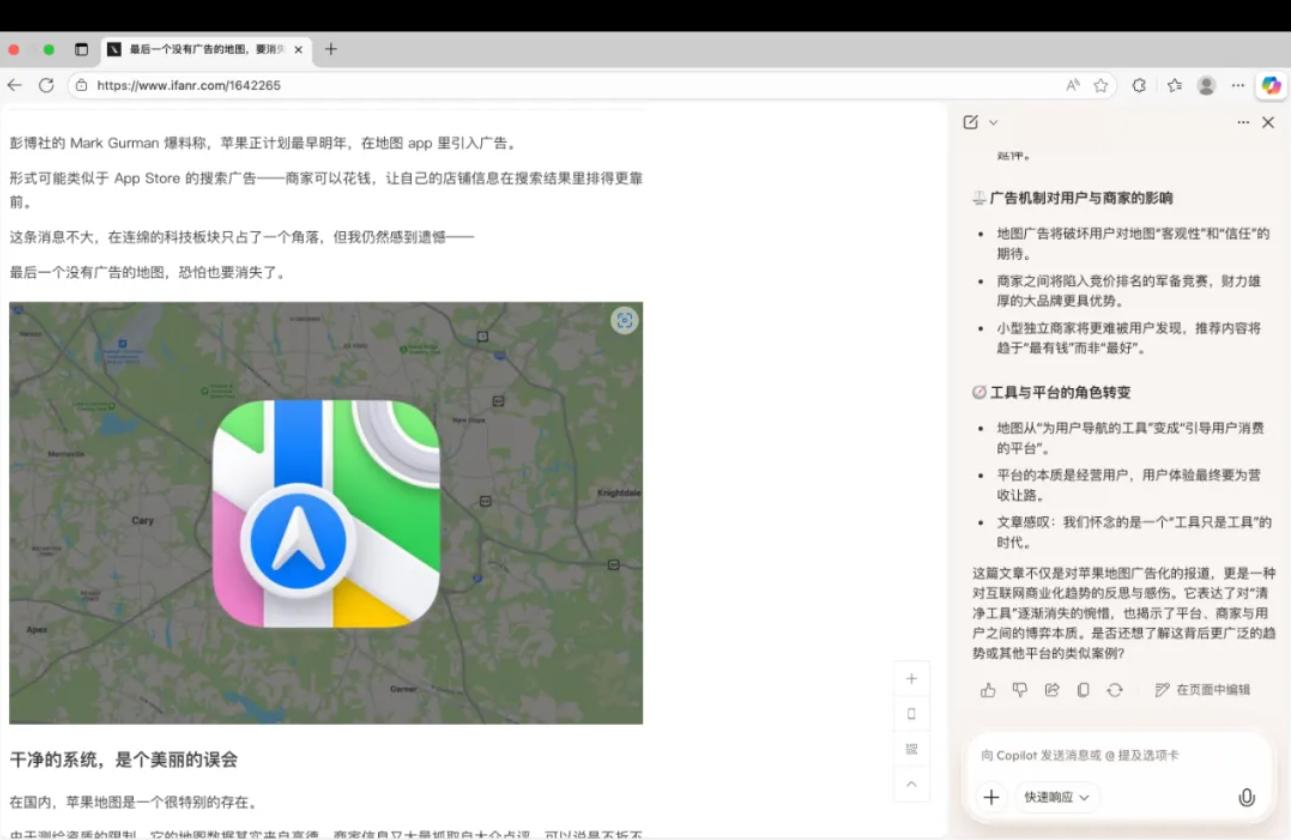
Edge Copilot is somewhat close to a professional media editor, able to extract logical layers like “advertising mechanisms” and “platform transitions,” but it feels too AI-driven.
Atlas feels the most human, capturing facts and extending to value-based observations.
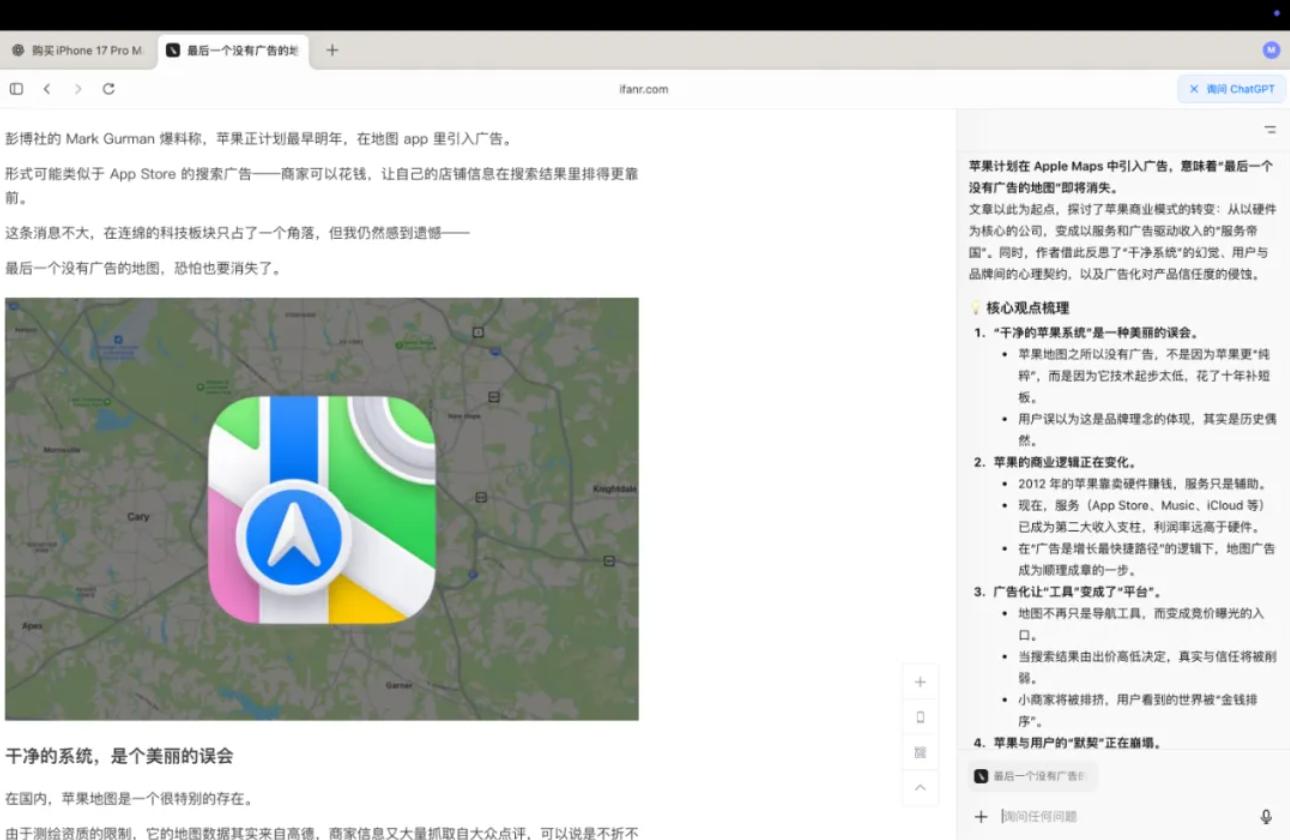
In summary: Dia seeks speed, Comet seeks comprehensiveness, Edge seeks stability, and Atlas seeks depth.
Ultimately, it comes down to the strength of the underlying models. For instance, Atlas uses its own GPT model, giving it a natural advantage.
Summarizing Videos
The prerequisite for summarizing videos is having subtitles; otherwise, AI cannot work effectively.
Both Dia and Atlas can generate summaries suitable for quick viewing, with detailed time-axis analysis, similar to note-taking. However, Dia generates results faster.

Edge Copilot, despite its heavy AI flavor, can understand not only the surface content but also the author’s stance and emotional inclination, providing clearer expression.

Perplexity Comet’s performance is average, delivering a mediocre overview after extensive operations.

Planning a Trip
We tested a request: “I want to travel from Shanghai to Guangzhou for two days this weekend. Help me arrange the itinerary, hotel, and budget.”
Overall, ChatGPT Atlas made it the easiest for me.

It generated a complete travel guide, integrating information from multiple platforms like Ctrip, with rich details suitable for detail-oriented travelers.

While Edge Copilot and Comet also provided complete itineraries, Comet was slightly more practical, while Edge felt more like a templated AI output.

Dia generated a plan directly with Google search, which was convenient but lacked reliable sources.

Honestly, we cannot fully rely on AI for travel planning yet; it should only serve as a general guide. Reliable information still needs to be sourced from social media and real user experiences.
Who Can Truly Help You?
The differences between AI browsers are most evident in agent execution capabilities.
We tasked them with “buying an iPhone 17 Pro Max on the Apple website.”
Dia quickly identified user intent and generated a clear step-by-step purchasing guide (visit the official website → select model → choose payment), providing specific data but not actually placing the order.

Edge Copilot acts more like an “AI information retrieval assistant,” quickly parsing commands and accurately describing webpage states, but it also does not perform actual clicks, limited to Q&A interactions.

Comet can indeed click, input, and navigate pages, simulating manual purchasing, but its execution speed is slow and leans towards mechanical execution until it reaches the final step—payment.

ChatGPT Atlas not only understands webpage content but can also simulate operations, track across pages, organize files, generate reports, and even execute automation scripts. It has memory capabilities (remembering what I watched yesterday), and it can recall information even after a day.
Cross-platform price comparison is also a hard requirement.
Although both Comet and Atlas claim to execute complex tasks, the advantages of ChatGPT Atlas are too apparent.

My impression is that Comet is more like a smart AI search assistant, primarily focused on information aggregation and light task execution, quickly consolidating webpages, academic sources, and videos to generate briefings or comparison results, responding quickly but only able to perform single-step tasks.

ChatGPT Atlas, on the other hand, is a true “execution-oriented browser agent,” capable of understanding webpage content and simulating user actions, such as clicking, inputting, tracking across pages, organizing files, and even generating reports or executing automation scripts.
This may also validate a point: in the AI era, the innovation threshold at the application layer is not high, and the real barrier lies in the model itself. Those backed by their own AI can indeed push forward smoothly.
Caution: Pitfalls of AI Browsers
Chrome’s extension ecosystem is already mature. Some may argue that installing a few extensions on Chrome is equivalent to using Atlas.
To be honest, for simple tasks like article summarization and webpage translation, Chrome extensions are sufficient. Installing an extension can extract key points in seconds, and the experience is not much different from that of AI browsers. However, once it comes to complex tasks, extensions can completely falter.
The deeper difference lies in the understanding of the future internet. The current internet is designed for humans, with page layouts and interaction logic centered around human visual and clicking habits. But what if the primary users of the internet are AI and agents?
The core of the browser is no longer browsing but execution. You don’t need to know where information is on which website; you just need to tell the AI what you want, and it will find, do, and integrate it for you. However, from a practical perspective, these AI browsers adopt more cautious strategies, directly compatible with Chrome extensions, making user migration seamless.
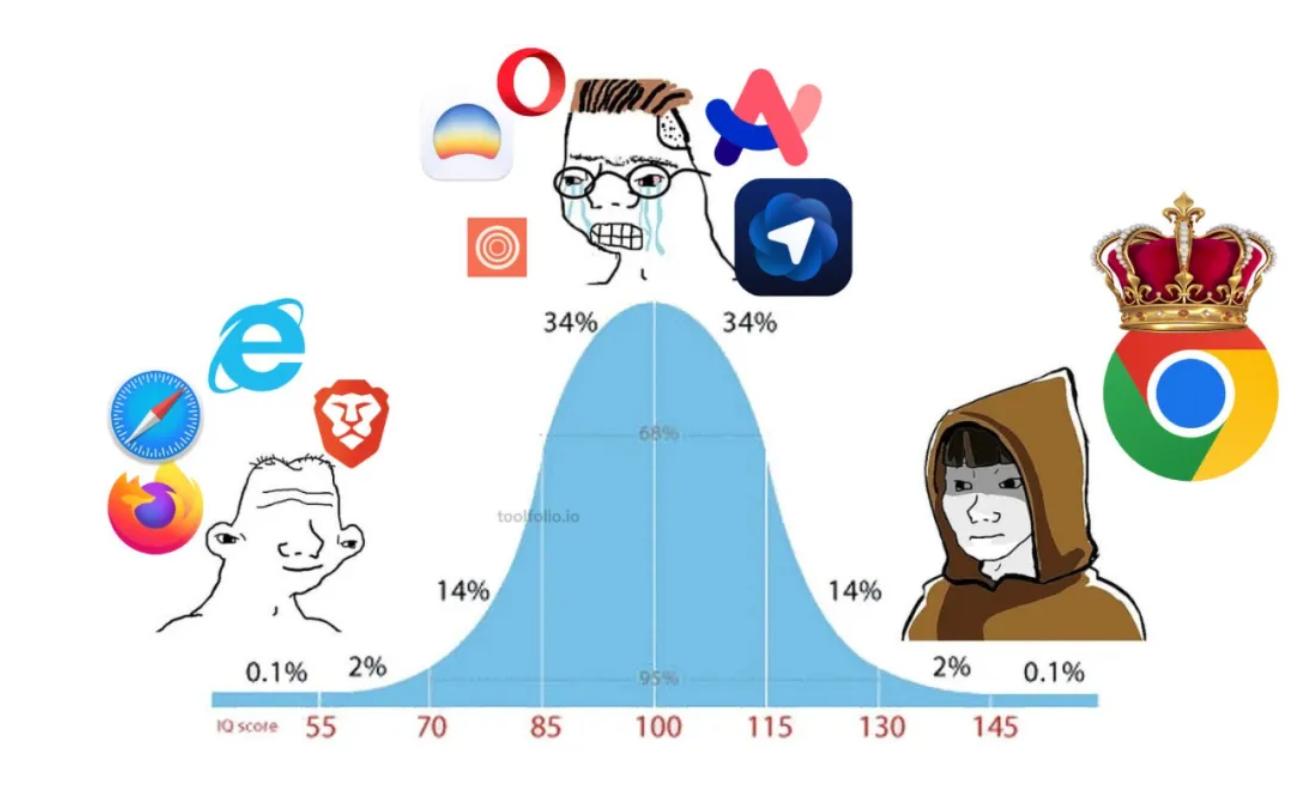
Of course, while these AI browsers are built on Chromium, OpenAI is not merely “wrapping” it.
According to their blog, they have redesigned the relationship between the browser and the underlying engine through their self-developed OWL (OpenAI’s Web Layer) architecture, reconstructing the interface using native frameworks like SwiftUI, AppKit, and Metal, achieving second-level startup, higher concurrency, and a more secure environment for intelligent agents.
My computer is an M2 MacBook Air, and in terms of user experience, performance, speed, and stability do not differ much. Additionally, all browsers support importing bookmarks and vertical tabs, which are basic operations.
It is worth mentioning that AI browsers face a serious security threat known as “indirect prompt injection attacks.” Simply put, hackers hide malicious commands in web pages, emails, and other content, and when large language models analyze this content, they may mistakenly treat hidden commands as genuine user commands.
According to research by Brave, several products, including Perplexity Comet, Fellou browser, and OpenAI’s newly released ChatGPT Atlas, have vulnerabilities.
These attacks can have serious consequences, affecting the shopping judgments of AI agents, stealing private data, sensitive email information, account credentials, and even injecting malicious code or software.
OpenAI’s Chief Information Security Officer, Dane Stuckey, publicly acknowledged this week that prompt injection attacks are a serious threat, but also admitted that it is a “frontier issue” with no clear solution at present.
As a result, OpenAI has had to implement multiple measures, including establishing a rapid response system, conducting red team testing, launching an unlogged mode, and introducing a monitoring mode requiring users to view agent behavior in real-time when operating on sensitive websites.
The biggest challenge lies in the nature of AI agents themselves.
They access suspicious websites and click dangerous links like humans but lack common sense and safety intuition, making them easily misled or hijacked by carefully crafted commands. More troubling is that these attack methods are very covert and can be hidden in images, screenshots, forms, and emails, or even just white text on a white background, making them hard to defend against.
Which Browser Should You Choose?
In terms of cost, the Atlas browser is free, but the core “Agent mode” is only available to ChatGPT Plus/Pro users, effectively locking users in with core services. Comet follows a freemium model, with basic features available for free but limited agent task numbers.
Dia operates on a subscription model (20 USD per month for AI features), which is the purest model, currently niche, and does not rely on advertising revenue, but its future is uncertain after being acquired by Atlassian. The model costs of Chrome and Edge are supported by their own advertising and cloud businesses, making them more generous.
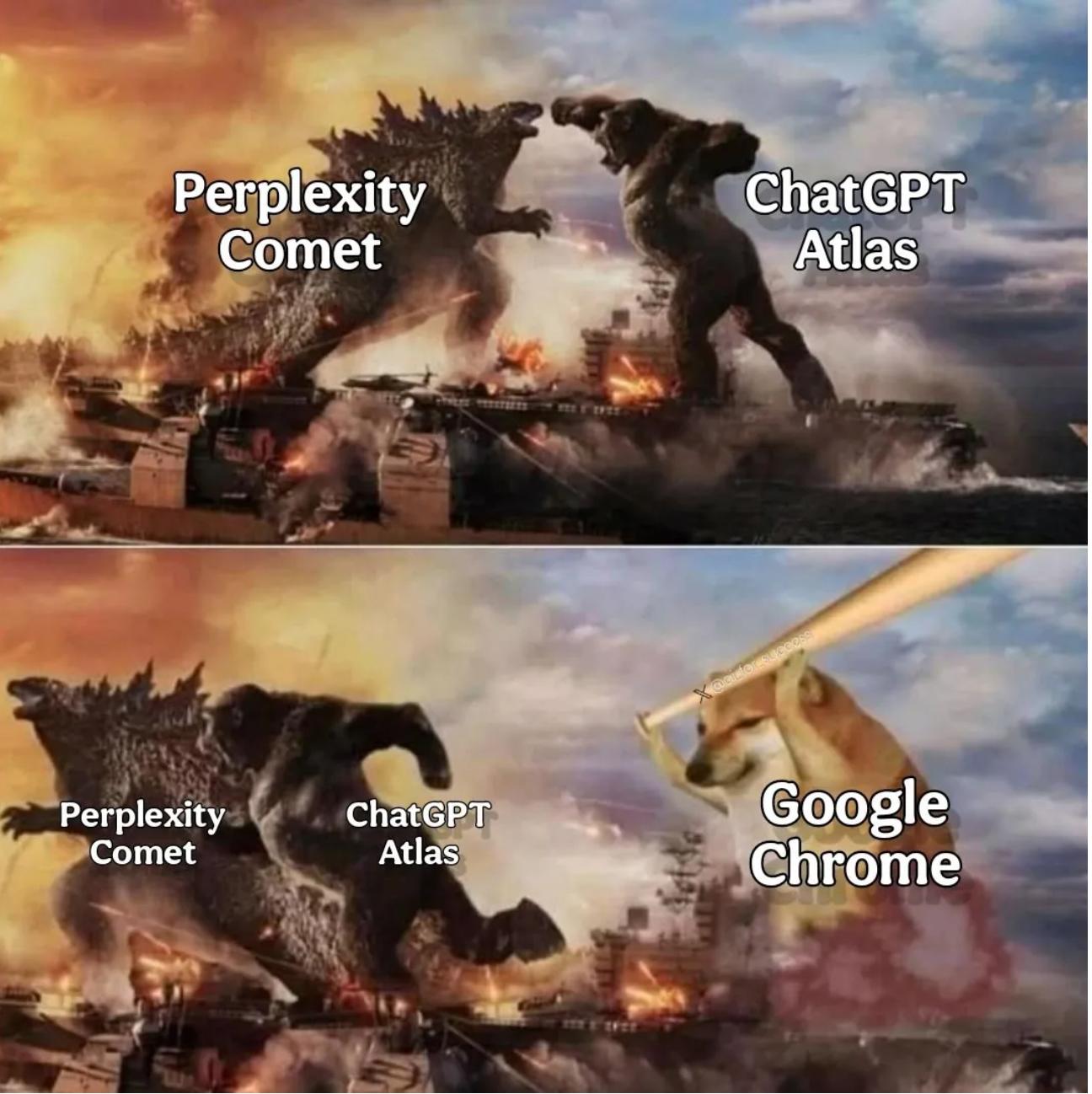
If you are already a heavy user of ChatGPT or a Plus/Pro subscriber, Atlas will be very convenient with almost zero learning curve. Meanwhile, its execution and memory capabilities are indeed stronger than the other browsers.
If you need rigorous source tracing for research, data gathering, or report writing, Perplexity Comet is the most reliable. Although its execution capabilities are not as flexible as Atlas, it won’t leave you uncertain due to unclear information sources.
If you want to try AI but don’t want to hassle, Chrome and Edge are sufficient, compatible with Chrome extensions, low migration costs, and free. Although their AI features are not as aggressive, they are adequate for most users.
If you pursue simplicity and focus, and don’t mind spending 20 USD per month, Dia is a good choice, although the future of niche products is always somewhat uncertain.
Comments
Discussion is powered by Giscus (GitHub Discussions). Add
repo,repoID,category, andcategoryIDunder[params.comments.giscus]inhugo.tomlusing the values from the Giscus setup tool.